


CANEO series10 | Hygienic Touch Button | Blank Symbol
CANEO series10 | Hygienic Touch Button | Blank Symbol
IP69K-Rated Hygienic Capacitive Touch Button
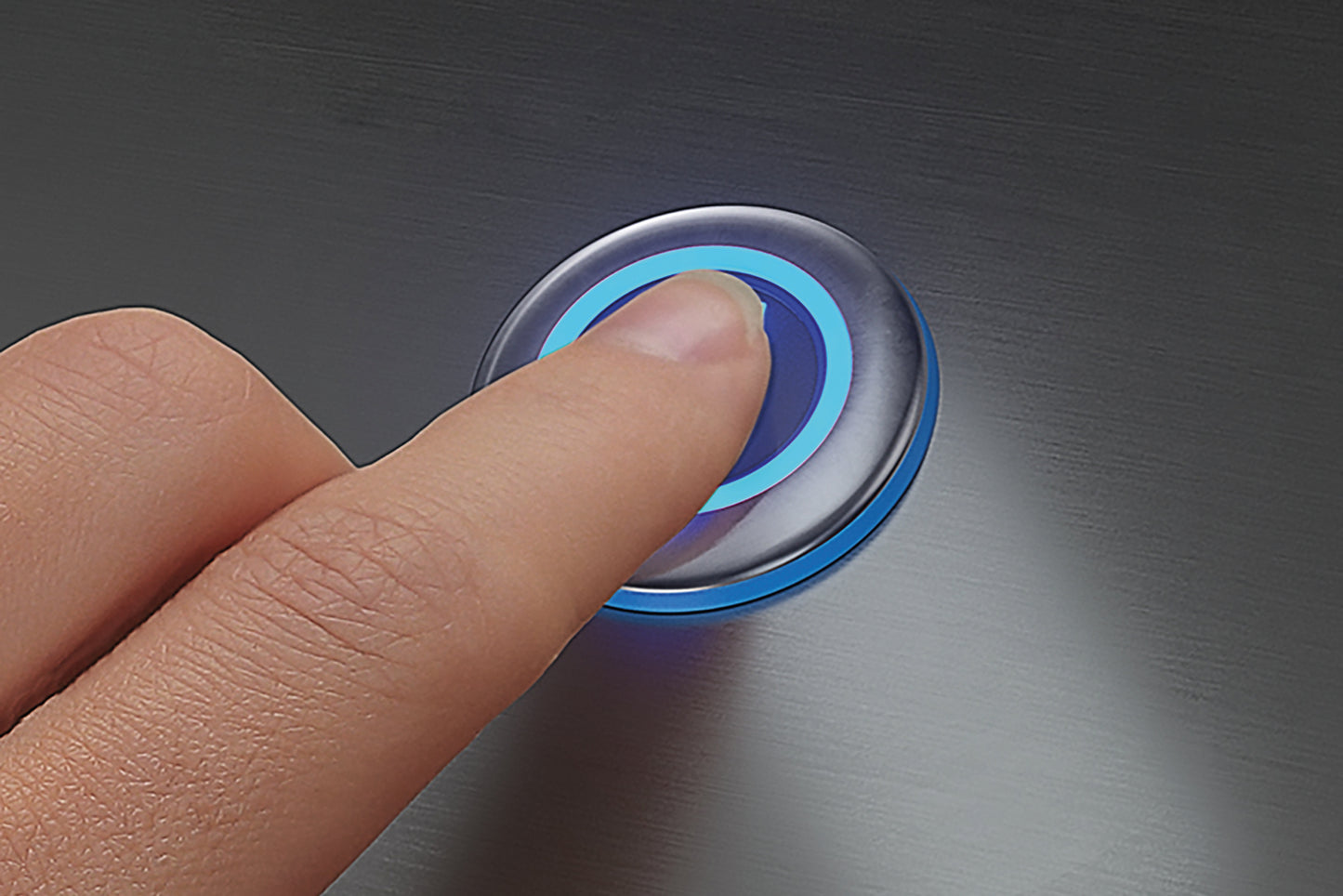
The CANEO series10 hygienic touch button with blank symbol delivers reliable, contamination-free control for food & beverage, pharmaceutical, and washdown environments. Engineered for extreme hygiene with a fully sealed, flush-mount design that eliminates bacteria traps.
Key Features
- UL Listed: Certified for use in North American industrial control applications
- IP69K Protection: Withstands high-pressure, high-temperature washdown (up to 1450 psi at 176°F)
- Capacitive Technology: Works with gloves, no mechanical wear, 100M+ cycle life
- FDA Compliant & EHEDG-Certified: Meets food safety and hygienic design standards
- IO-Link Ready: Smart sensor communication for Industry 4.0 integration
- Hygienic Design: EHEDG-compliant, smooth surface, no crevices
- Vandal-Proof: Shock-resistant, tamper-proof industrial construction
Applications
Ideal for food processing lines, beverage bottling, dairy plants, meat processing, pharmaceutical manufacturing, and any environment requiring frequent intensive cleaning.
Technical Downloads:
Assembly & Maintenance Instructions
Product configurations can be modified via IO-Link. If you’d like to order a product with a different factory configuration that isn’t listed in our store, please contact us at sales.americas@captron.com.


Collapsible content
Washdown Recommendations
The CANEO series hygienic touch button will activate during washdown.
We recommend disabling button function or powering down your control systems before washdown.
Sensor Modes Explained
The CANEO series offers three different sensor modes:
Dynamic: The discrete signal is limited to x milliseconds when the sensor area is activated. Default mode is 300 milliseconds and can be configured via IO-Link.
Momentary/Static: The discrete signal is continuously on as long as the sensor area is activated.
Maintain/Toggle/Flip Flop: The discrete signal turns on when the sensor area is touched and stays on until the sensor area is touched again.
Input Modes Explained
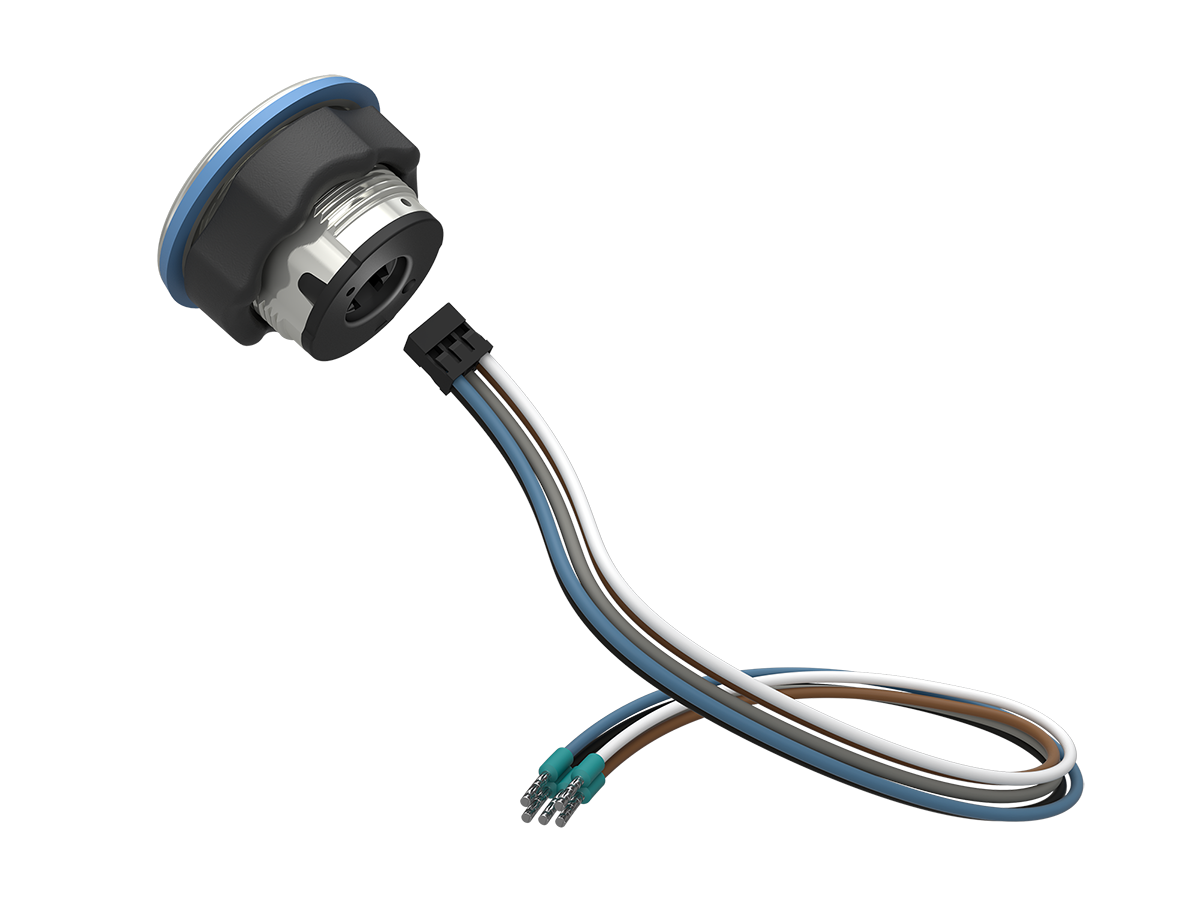
All CANEO buttons are either M12, 5-pin or stranded. Depending on the input mode set, certain wires are used or left unused.
Automatic: (3-pin) LED is a set color when it’s idle and can be an alternately configured color when it’s touched.
Semi-Automatic: (4-pin) Idle LED is controlled by an output signal. Ideal when you would like to display a flashing signal to prompt the user to touch the button. An alternatively configured color is activated when touched.
Manual: (5-pin) Both LED colors are configured and controlled by an output signal.
Blog posts
View all-

CANEO series10 Touch Buttons and LED Signals Ar...
CAPTRON CANEO series10 Touch Buttons and LED Signals are now UL Listed for the U.S. and Canada, expanding options for North American machine builders, panel builders and OEMs. Select models...
CANEO series10 Touch Buttons and LED Signals Ar...
CAPTRON CANEO series10 Touch Buttons and LED Signals are now UL Listed for the U.S. and Canada, expanding options for North American machine builders, panel builders and OEMs. Select models...
-

Utilizing CAPTRON High-Precision Photoelectric ...
Learn how CAPTRON photoelectric fork sensors enable highly accurate automatic TCP calibration with FANUC S627 software. Discover how robotic systems use optical sensors to determine Tool Center Point (TCP) positions,...
Utilizing CAPTRON High-Precision Photoelectric ...
Learn how CAPTRON photoelectric fork sensors enable highly accurate automatic TCP calibration with FANUC S627 software. Discover how robotic systems use optical sensors to determine Tool Center Point (TCP) positions,...
-

Broken Signal Lights, Delayed Response Times, a...
Signal indicators are a critical part of visual communication on the production floor, helping operators quickly identify machine status, maintenance needs, and fault conditions. But in harsh food processing environments,...
Broken Signal Lights, Delayed Response Times, a...
Signal indicators are a critical part of visual communication on the production floor, helping operators quickly identify machine status, maintenance needs, and fault conditions. But in harsh food processing environments,...


